Quick Guide – How to charge vehicles with AC or DC Chargers
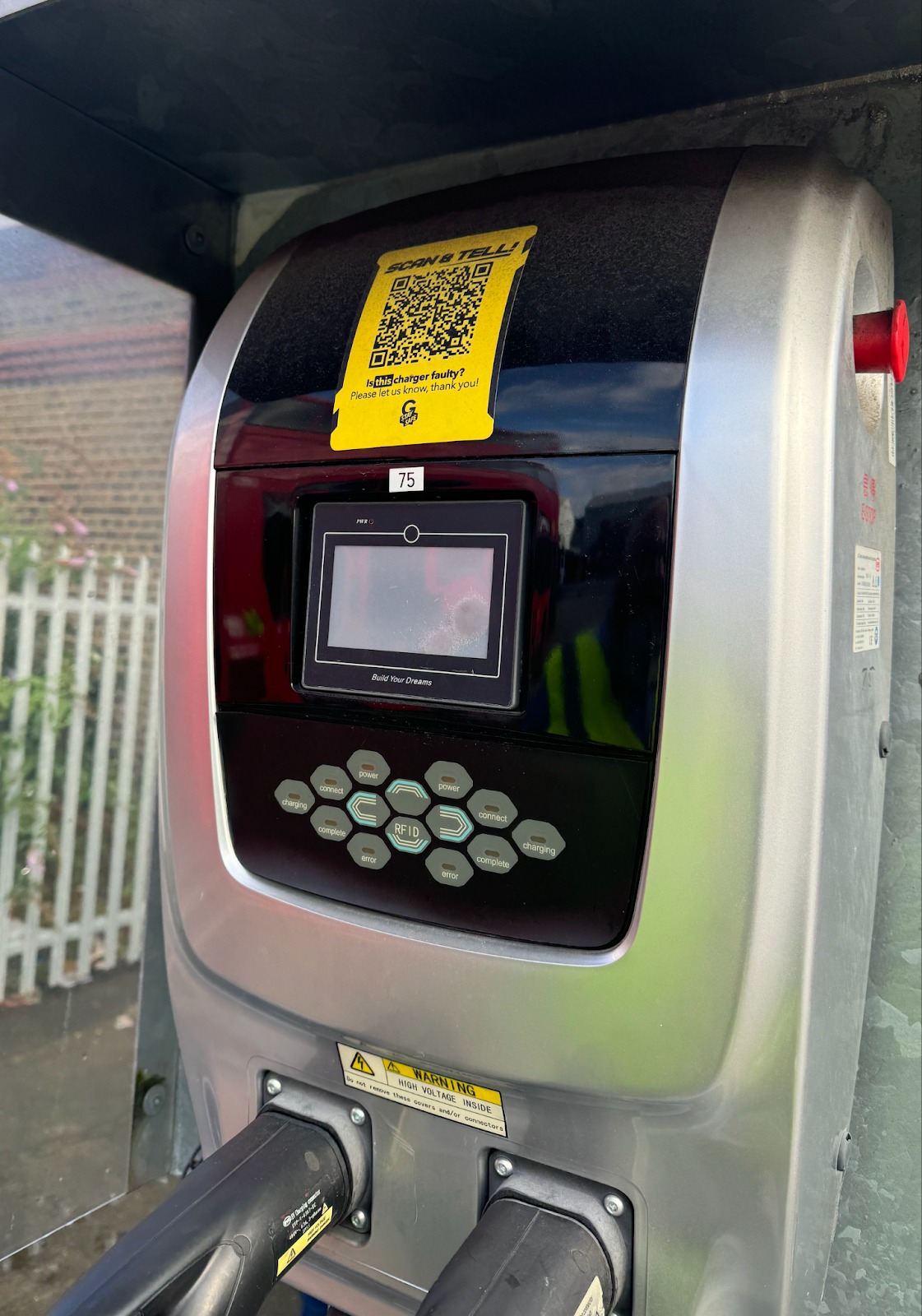
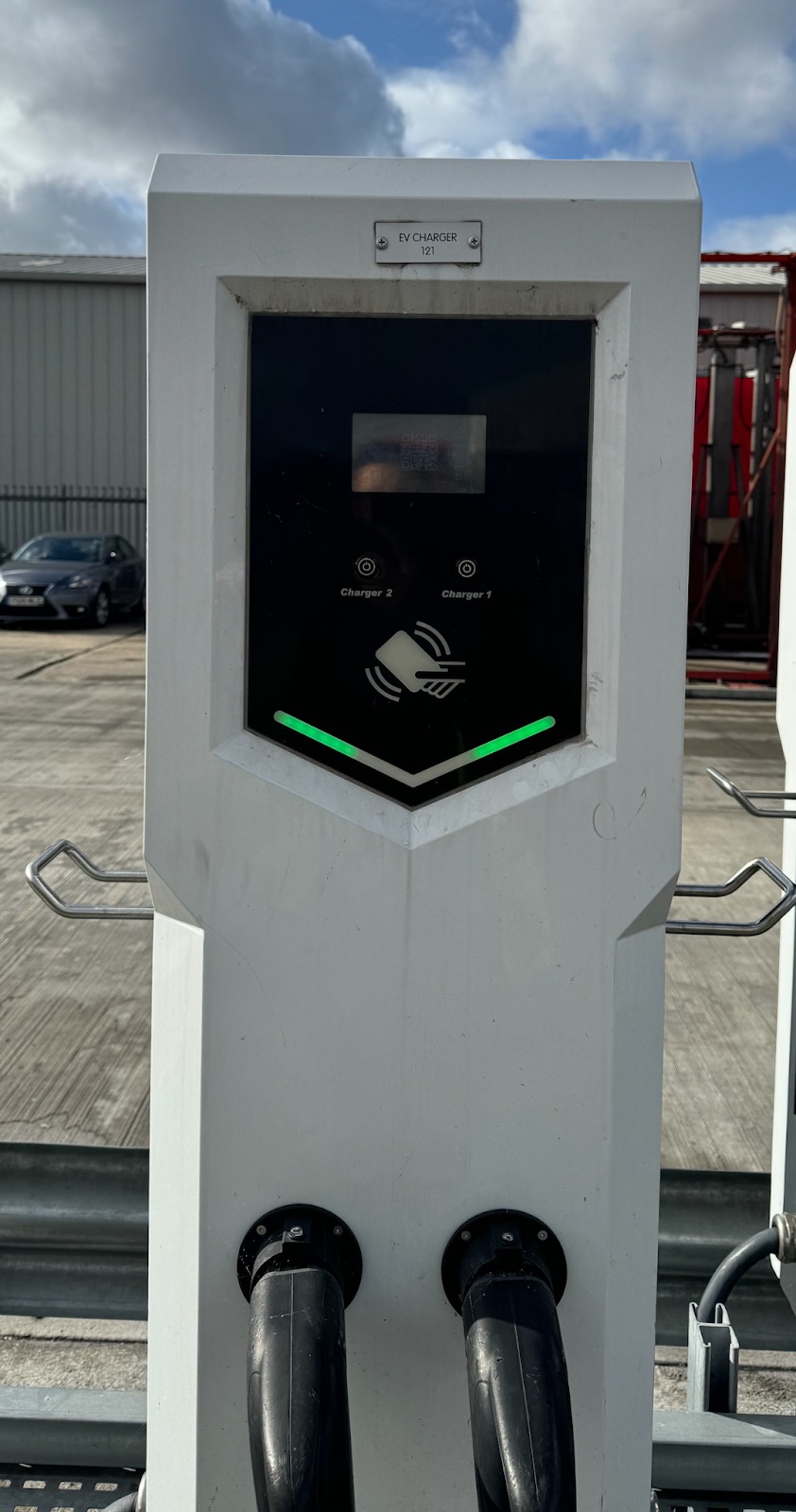
If charging does not begin on a BYD charger and ‘Queueing’ message remains on the screen for longer than 30s, please restart the process. If the charger still does start charging, you may need to use an alternate charger.
Override action: When to use RFID cards:
If you experience any of the issues below on a BYD charger, in emergency scenarios it may be necessary to initiate the session with an RFID card. However, charging started via RFID does not send any data to BetterFleet and this should only be used when there are no alternative chargers available.*
- Charger screen is stuck in the ‘Calibrate Screen’ message
- Set Fail error message appears and cannot be pressed
- ‘Start’ button’ does not show or cannot be pressed on charger screen
* Highlight any charger that has any other technical issue to the Engineering Manager as soon as possible
Was this article helpful?
That’s Great!
Thank you for your feedback
Sorry! We couldn't be helpful
Thank you for your feedback
Feedback sent
We appreciate your effort and will try to fix the article