In situations where a large number of chargers appear offline in BetterFleet, but it has been confirmed that they are powered on and appear to be operating on site (typically at reduced output), the likely cause is a network connectivity issue. These issues can often be resolved by power cycling the equipment in the BetterFleet IoT Hub, which this guide will step you through.
Step 1: Locating the BetterFleet IoT Hub on site
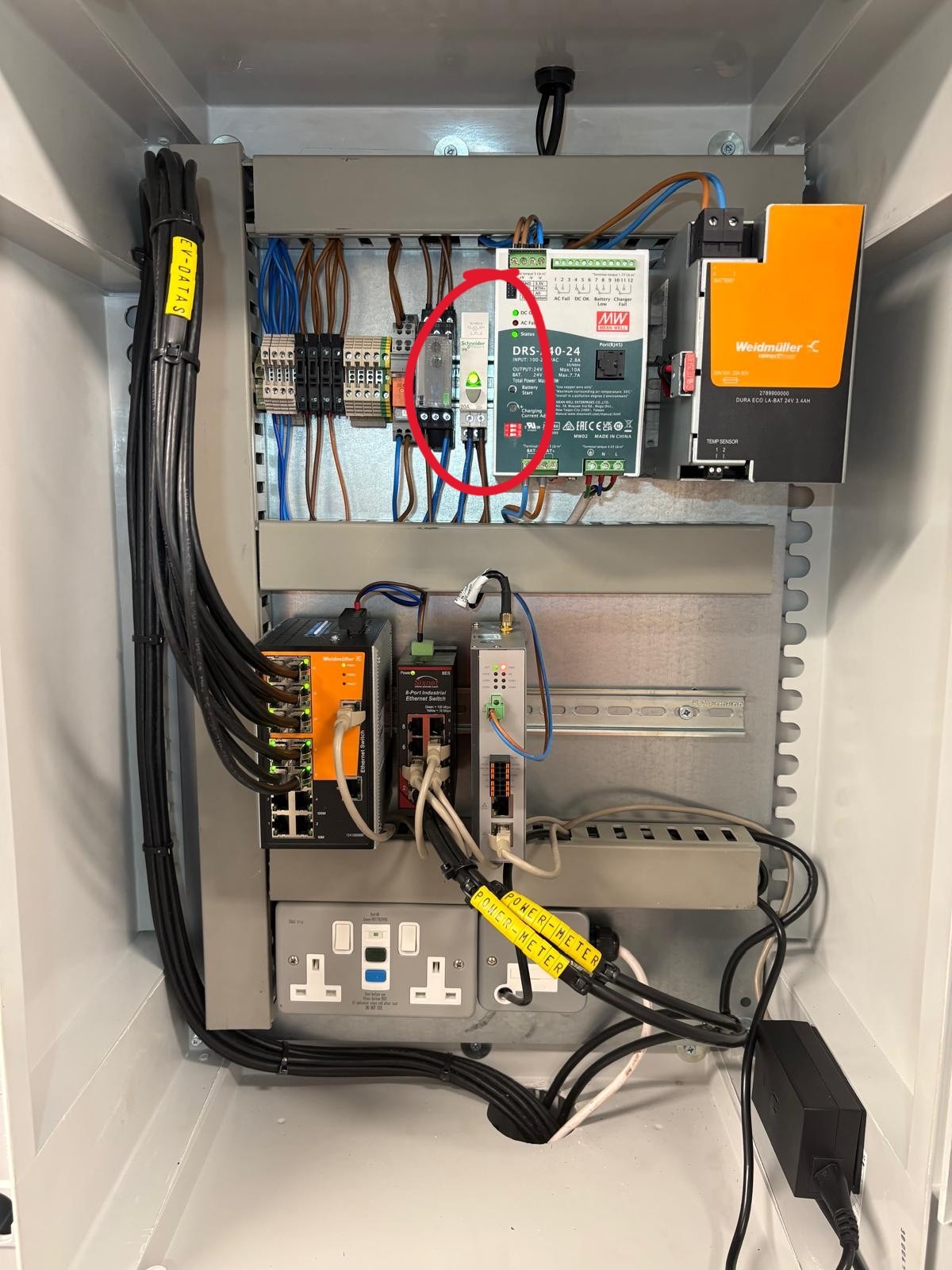
The BetterFleet IoT Hub is typically installed adjacent to main switchboards or LV panels, or inside a communications room. Below are some photos of typical installations.
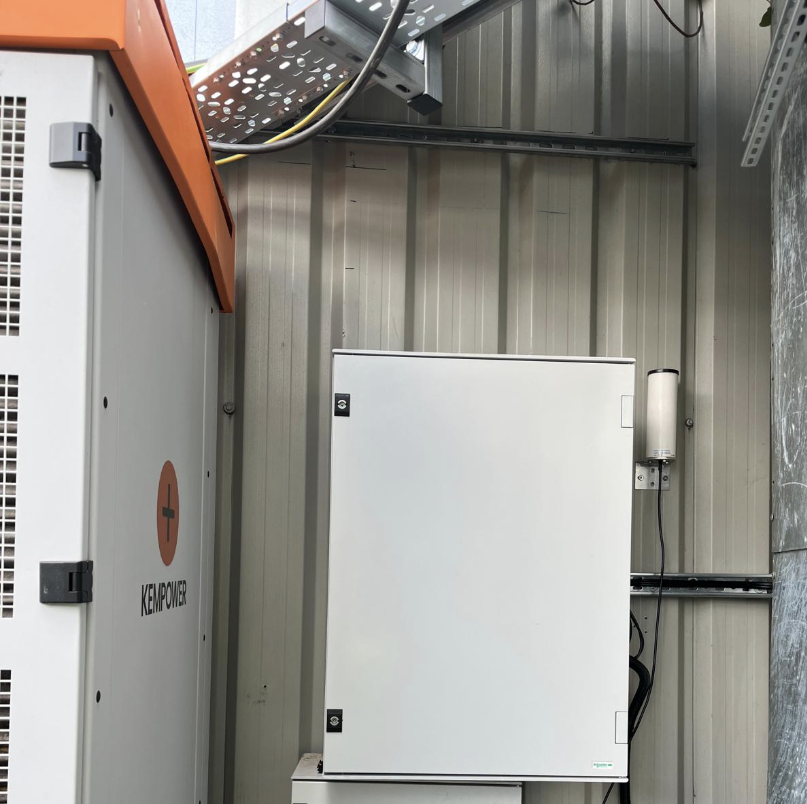
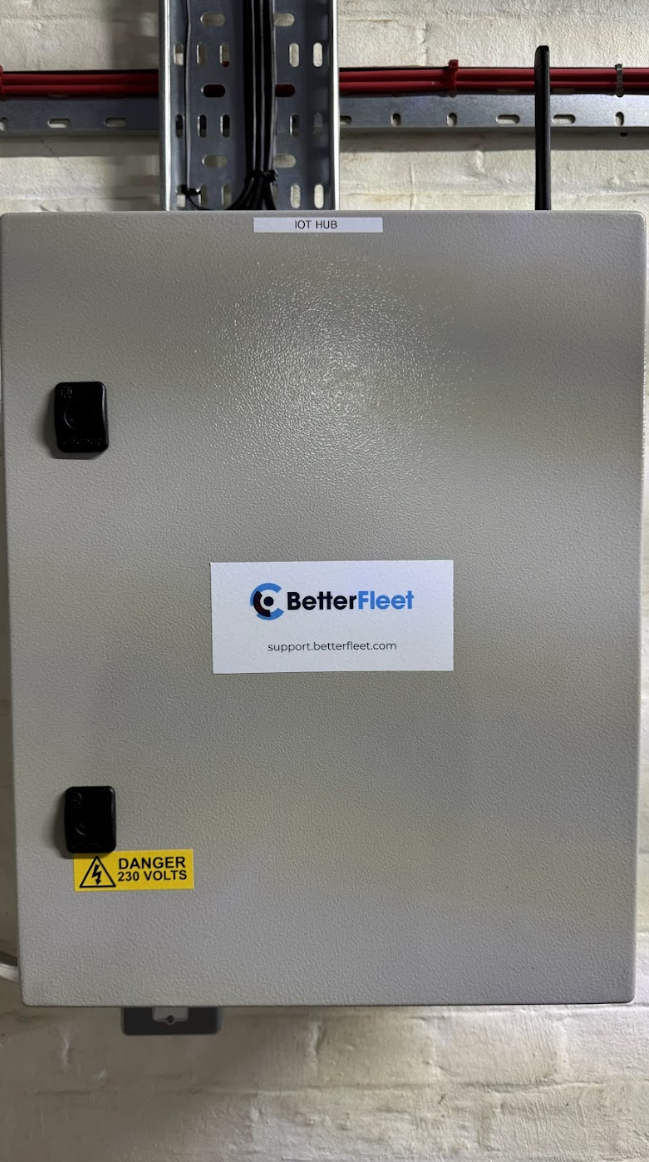
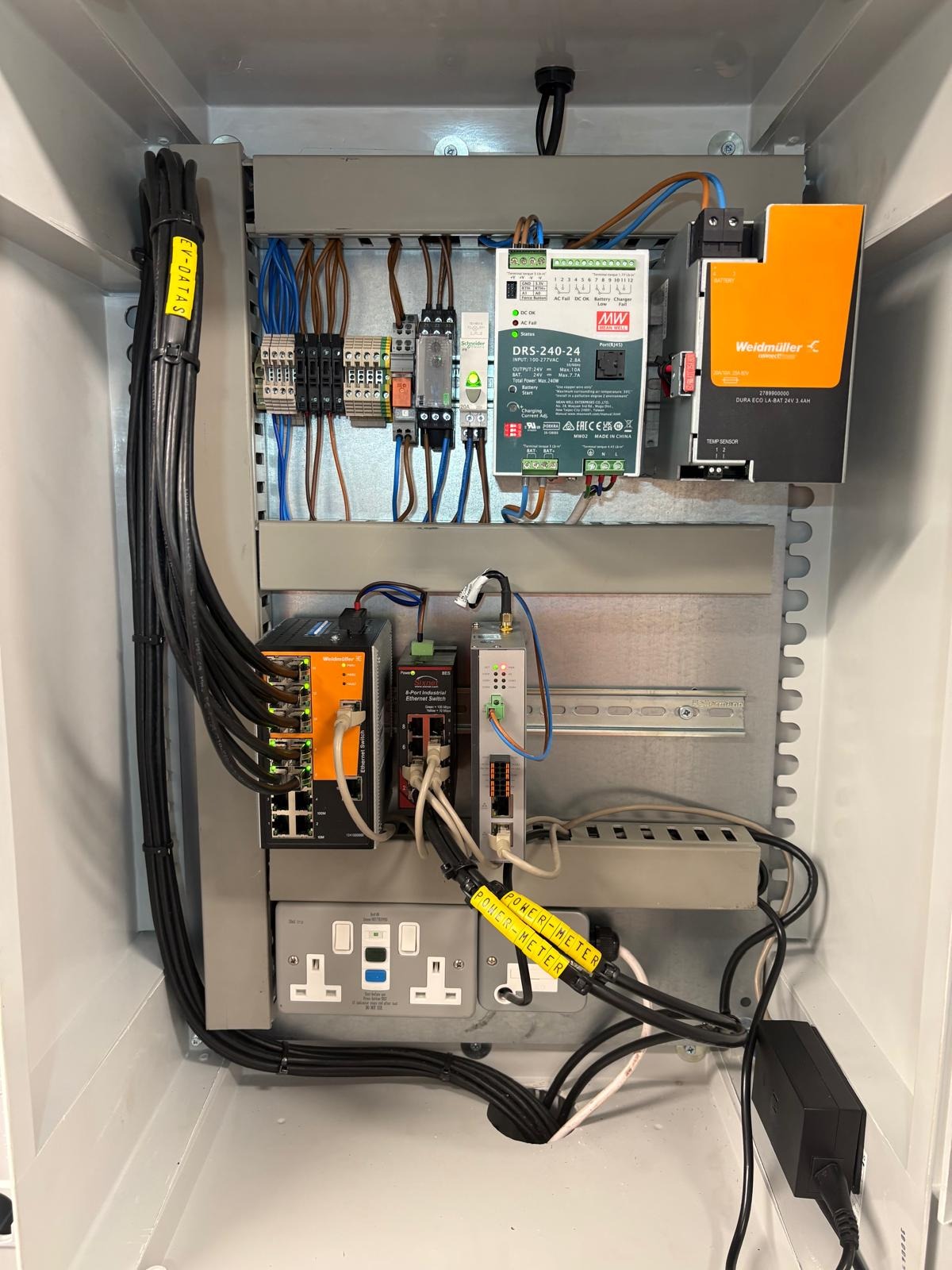
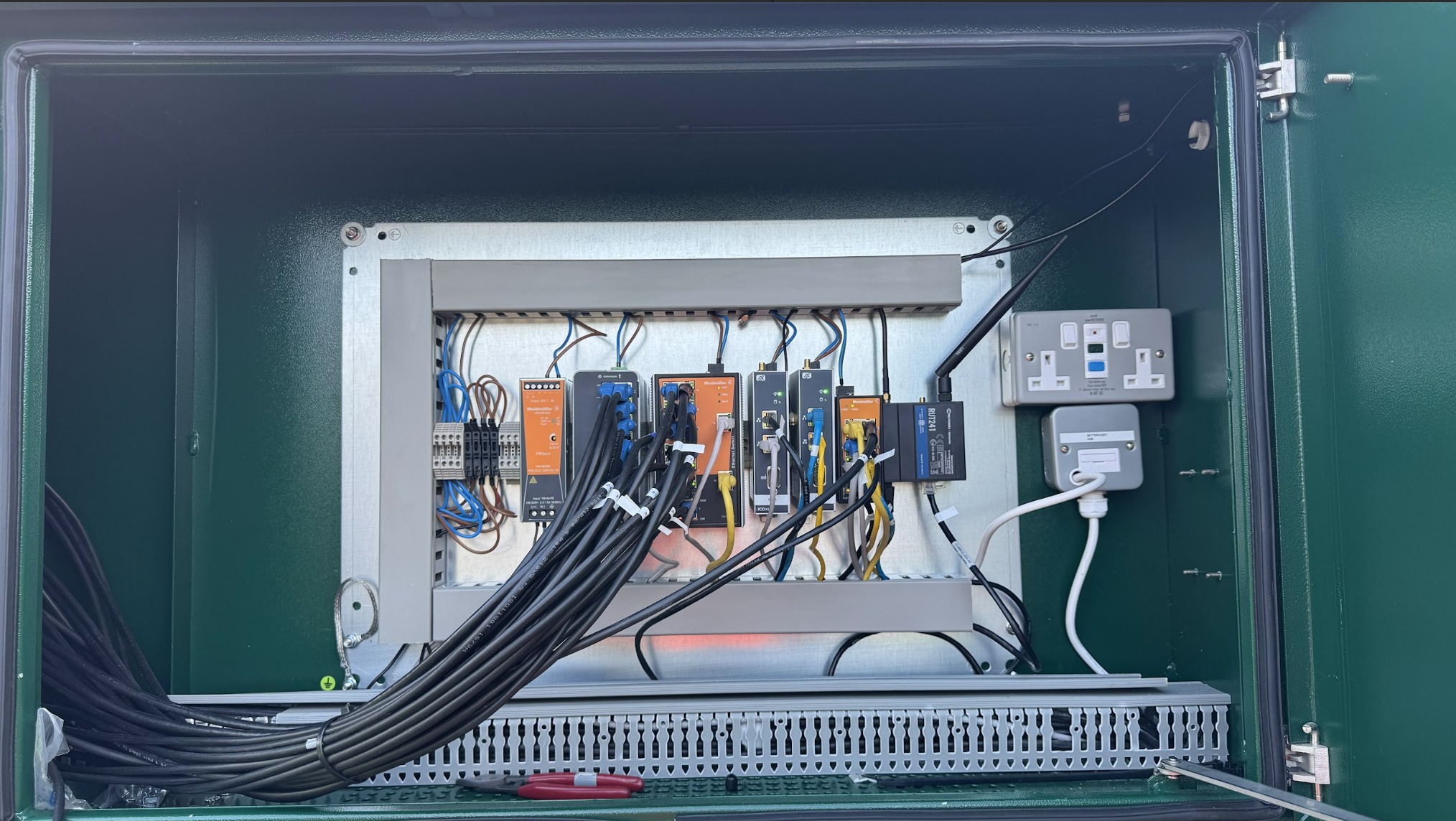
At some sites where there were spatial or installation constraints the IoT Hub hardware is installed inside an existing panel, see examples below.
Step 2: Locating the reset button
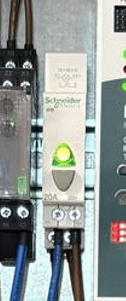
Inside the IoT Hub enclosure you will find a reset button that looks like the one shown in the image below. Pressing this button once will turn power off to all equipment within the IoT Hub for approximately one minute and then back on.
This will typically restore any connectivity issues as the communications equipment re-establishes cellular and local connectivity.
Step 3: Validate connectivity
Check the BetterFleet chargers page to see that the chargers are back online. Sometimes it can take 10-15minutes following a reboot for chargers to come back online.
If the issue persists, please provide any additional details so we can better assist you.
Was this article helpful?
That’s Great!
Thank you for your feedback
Sorry! We couldn't be helpful
Thank you for your feedback
Feedback sent
We appreciate your effort and will try to fix the article